>> Learn more about the PrestaShop POS with Prestatill module and NF525 certification <<
Updated on 06/06/2025
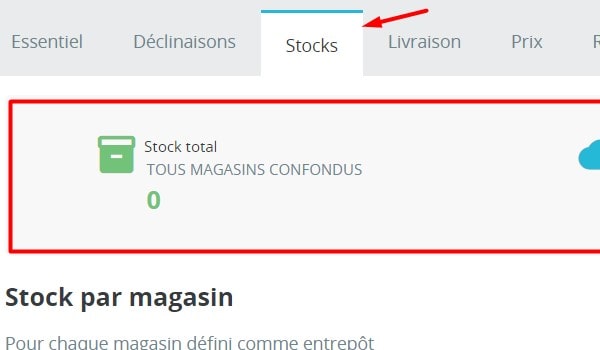
A "Stock" tab on every product page, featuring:
- a summary of stock quantities (total, online, reserved, to be allocated)
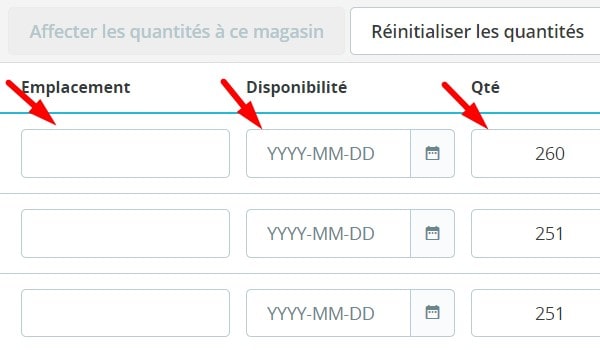
- the list of stores set up as warehouses, with detailed quantities for each.
You can:
- allocate stock to a store directly, per product or combination
- set a storage location for each product or combination
- set an availability date for each product or combination
- schedule an email alert when stock reaches a set threshold (which can differ by product and by store)
Your customers can see:
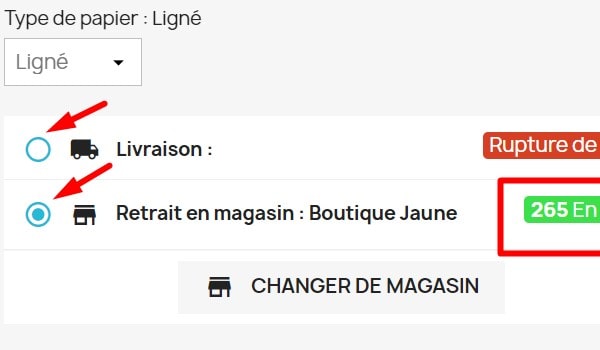
- whether a product or combination is available for delivery and for in-store pickup
- the date a product will be available in a given store (if specified)
- the remaining quantities (if this option is enabled)
Please note: the selected delivery method is shown again in the cart.
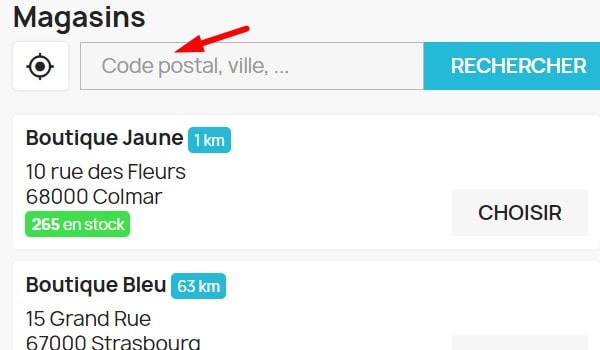
Customers can find a store using the search bar (postcode / city) or geolocation.